> ## Documentation Index
> Fetch the complete documentation index at: https://docs.uifoundations.com/llms.txt
> Use this file to discover all available pages before exploring further.
# Confirm Dialogs
> Confirm destructive actions and let users verify steps they are taking.
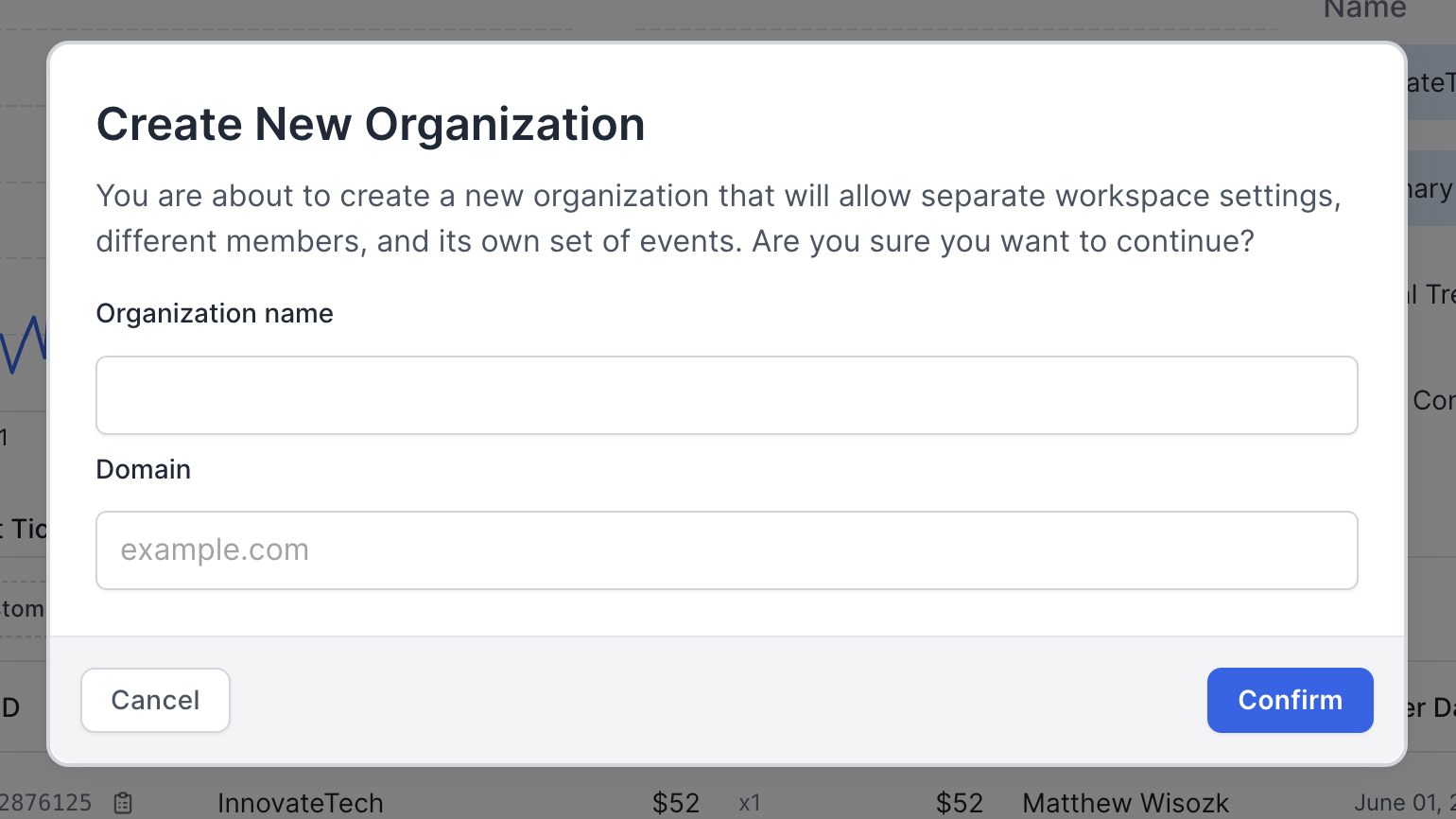
For a better user experience, it is helpful to allow users to confirm destructive actions. This can help prevent accidental deletions or other irreversible actions. The UI Foundations Kit includes a confirm dialog that can be used for this case, or cases where users need to supply some information before proceeding.
## Usage
UI Foundations Kit provides a hook called `useDisclosure` that provides the state necessary to manage the visibility of the dialog. The `ConfirmDialog` component is a pre-styled dialog that can be fed custom UI to ask for feedback or form input.
```tsx theme={null}
import { useDisclosure } from '~/hooks/useDisclosure';
import { ConfirmDialog } from '~/components/ConfirmDialog';
export function MyComponent() {
const { isOpen, onOpen, onClose } = useDisclosure();
return (
<>
);
}
```
 ## Usage
UI Foundations Kit provides a hook called `useDisclosure` that provides the state necessary to manage the visibility of the dialog. The `ConfirmDialog` component is a pre-styled dialog that can be fed custom UI to ask for feedback or form input.
```tsx theme={null}
import { useDisclosure } from '~/hooks/useDisclosure';
import { ConfirmDialog } from '~/components/ConfirmDialog';
export function MyComponent() {
const { isOpen, onOpen, onClose } = useDisclosure();
return (
<>
## Usage
UI Foundations Kit provides a hook called `useDisclosure` that provides the state necessary to manage the visibility of the dialog. The `ConfirmDialog` component is a pre-styled dialog that can be fed custom UI to ask for feedback or form input.
```tsx theme={null}
import { useDisclosure } from '~/hooks/useDisclosure';
import { ConfirmDialog } from '~/components/ConfirmDialog';
export function MyComponent() {
const { isOpen, onOpen, onClose } = useDisclosure();
return (
<>